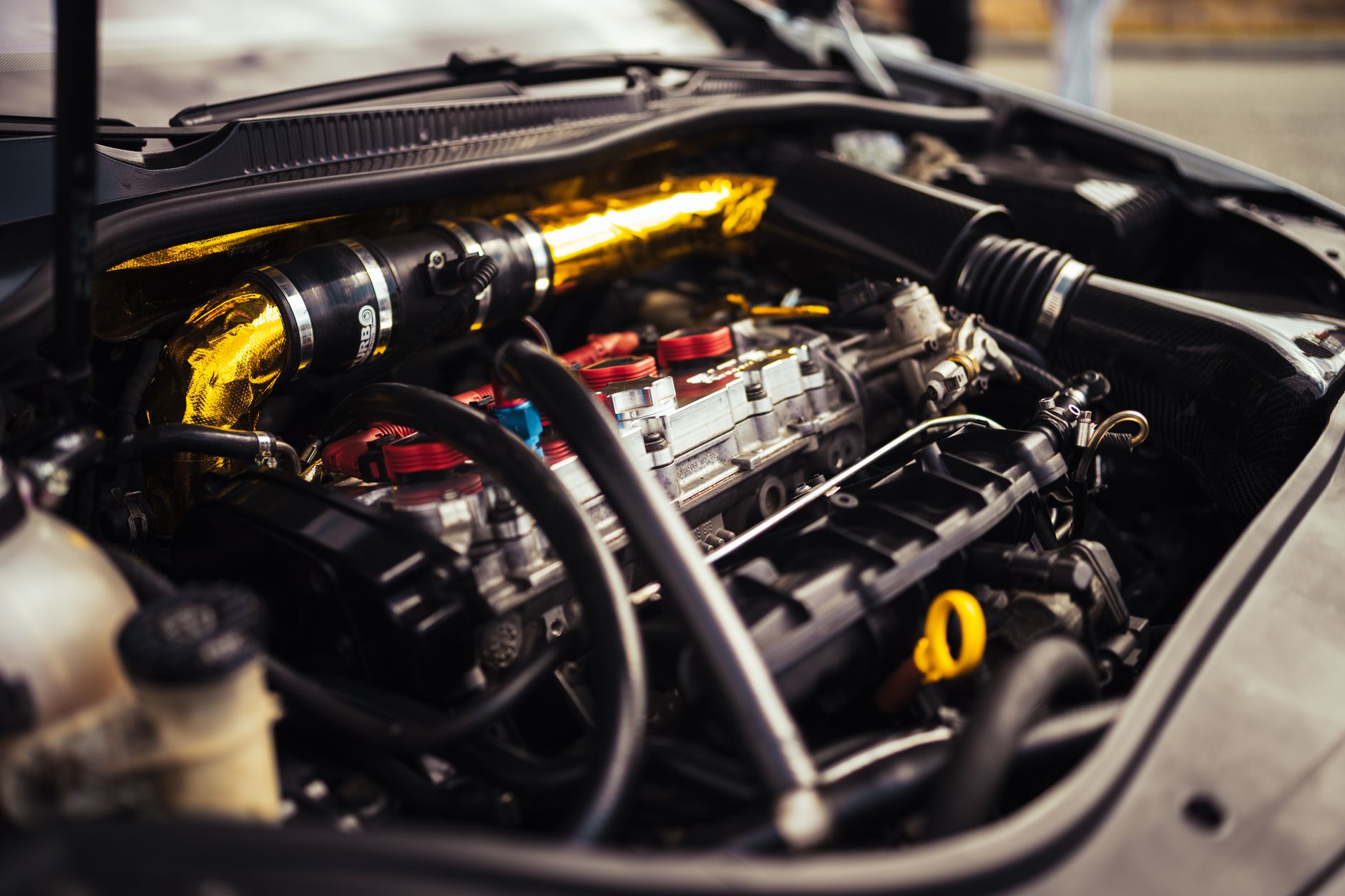
The number of modified cars being rejected at UK test stations has crept up noticeably this year, and if you run anything beyond a factory-spec daily, you probably already feel the squeeze. Modified car MOT failure UK 2026 is becoming a genuine headache, not because testers have developed a personal grudge against lowered cars and smoked rear lights, but because the goalposts are genuinely tighter. DVSA has updated guidance for testers on several categories, and a handful of previously borderline calls are now clean fails. I’ve spoken to a few owners who came unstuck on things they’d had on the car for years without issue. So here’s a practical breakdown of exactly what’s getting flagged, and how to run your own pre-MOT audit before you hand over the keys.
What’s actually changed for testers in 2026
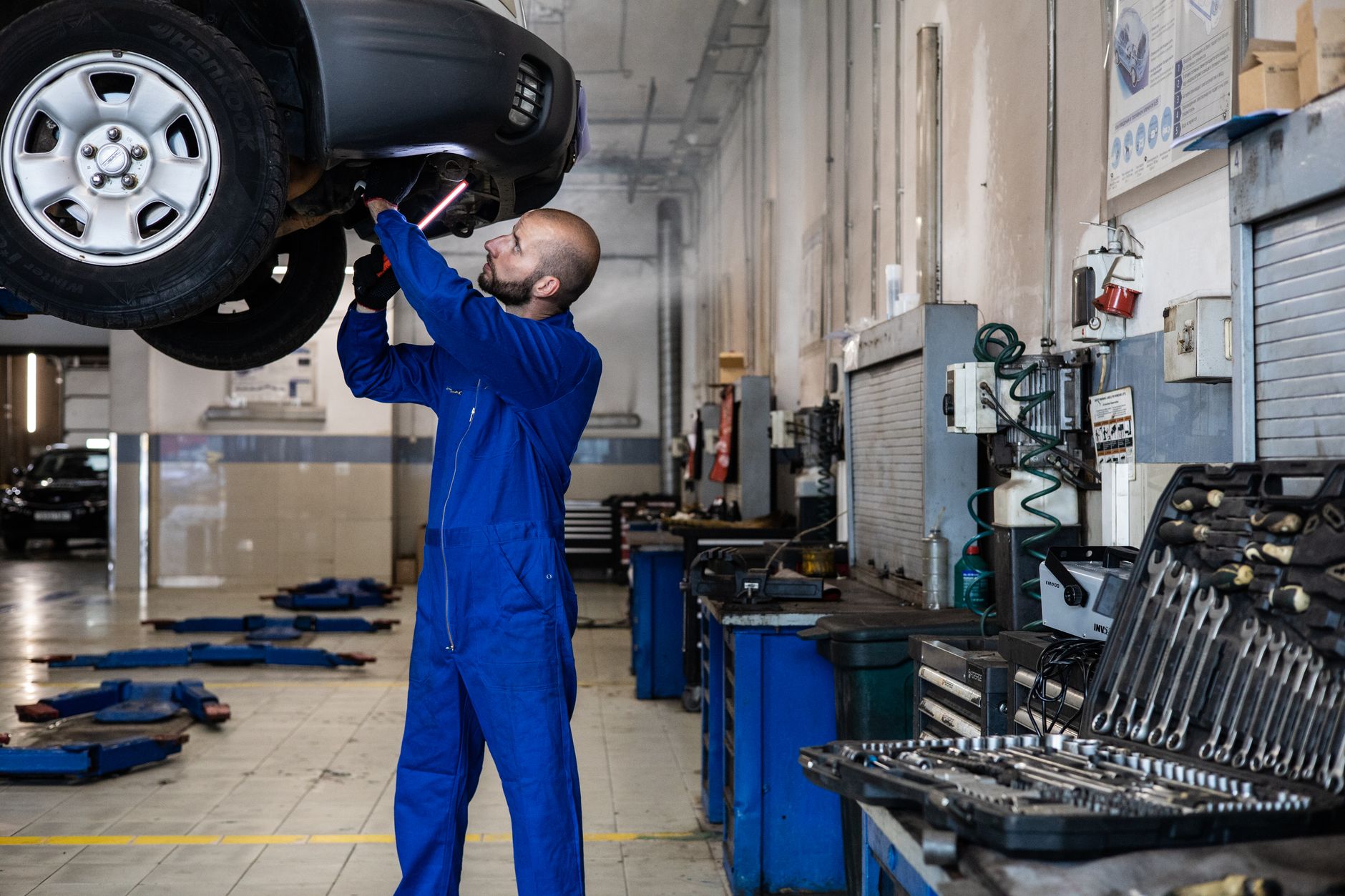
DVSA refreshed its MOT Inspection Manual earlier this year, with updated clarifications around lighting, ride height measurement, and tyre fitment tolerances. None of it is wildly new in principle, but the practical effect is that testers are now more confident failing items they might previously have marked as an advisory. There’s also been pressure from within the industry after a few high-profile incidents linked to modified cars on public roads. Whether that’s fair or not is a separate argument, the reality is that your car needs to pass.
The three categories generating the most failures right now are lighting modifications, suspension changes, and non-standard tyre fitment. I’ll go through each in turn, with the specific things to check before your test date.
Lighting modifications: the fastest way to a fail
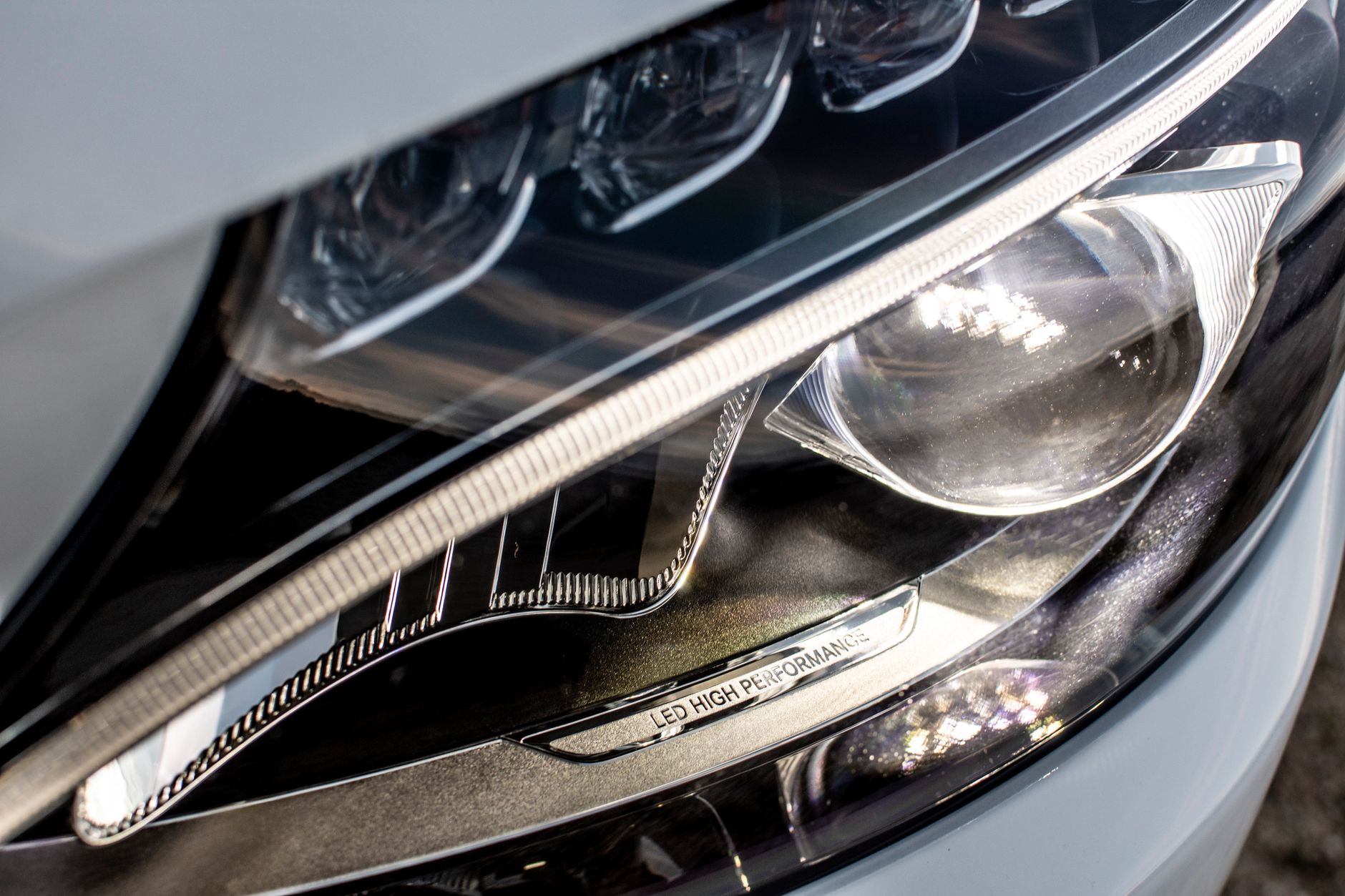
Aftermarket lighting is probably the single biggest area of modified car MOT failure UK 2026. The issues split into two camps: aftermarket LED or HID conversions in housings not designed for them, and cosmetic mods like smoked or tinted lenses that reduce output below the legal minimum.
LED bulbs retrofitted into halogen reflector housings are the classic trap. The beam pattern goes all over the place because the light source sits at a different focal point than the housing expects. Testers are now explicitly checking aim and scatter on these, and a good proportion are failing. If you’ve put LED bulbs into a standard halogen headlamp unit, you either need projector lenses designed for LEDs, or you go back to halogen. There’s no shortcut.
Smoked rear clusters, legal if they still pass the minimum light output threshold, but plenty of cheap aftermarket units don’t. Bring a cloth and clean them thoroughly before the test. Faded or stone-chipped covers can genuinely reduce output enough to fail. Also check your fog light. Aftermarket bumpers that delete or reposition the fog lamp are a fail if the replacement isn’t homologated.
Angel eyes, halos, and underglow wiring are an automatic fail if they’re active while the engine is running. Disconnect them. No tester is going to overlook an active purple underglow in 2026.
Suspension modifications and ride height
Coilovers, springs, and lowering kits are mainstream enough that most testers have seen everything, but there’s a line, and more cars are crossing it. The key failure points are excessive negative camber, bump steer caused by geometry changes, and insufficient clearance between tyres and bodywork or suspension components.
Testers use a visual check on camber and can fail cars where it’s obviously excessive. More than about 3.5 degrees of negative camber tends to prompt a closer look. If you’ve been running aggressive camber for track days, dial it back for road use. It’s better for your tyres anyway, Britain’s road surfaces are doing enough damage already without aggressive camber chewing through your inner edges.
Clearance matters. Run your suspension at full droop and lock the steering to full lock in both directions. If anything contacts, tyre on arch, tyre on wishbone, brake line on a coilover body, it’ll fail. Modified bump stops and extended brake lines are cheap fixes that can save a fail. Also check that your steering geometry hasn’t been compromised. A car that pulls heavily to one side or tramlines on straight roads may trigger a closer look at steering and tracking.
Lift kits on SUVs, particularly grey imports, can move the steering geometry enough to affect the self-centring force. I’ve seen a couple of lifted Hiluxes and LC70s trip over this one recently. If you’ve lifted the vehicle, have the geometry set on a proper alignment rig before the test.
Tyre fitment: the detail most people overlook
Running non-standard tyre sizes is very common in the modified scene, but there are hard rules. The load rating of the tyre must meet or exceed the vehicle manufacturer’s minimum for that axle. The speed rating must be appropriate for the car’s design speed. And the size itself, section width, aspect ratio, rim diameter, must not cause the tyre to contact the bodywork or suspension at any point in the steering and suspension travel.
Plus-sizing wheels has caught quite a few people out where the rubber is marginal for the arch. A tyre that just clears statically can contact under compression on a speed bump. If you’re on stretched tyres, be aware that testers are increasingly flagging these as a structural concern. A severely stretched tyre, one where the sidewall angle is clearly deformed, can be failed on the basis that it may not seat correctly on the rim under load. I’ve seen this come up more in 2026 than in previous years.
Also worth checking: are your tyres on the same axle from the same manufacturer and in the same size? Mixing tyre brands across an axle is technically permissible but mixing sizes isn’t. And check your spare, if you carry one, it needs to be road-legal too, though testers vary on how hard they look at a temporary spare in its well.
For anyone running semi-slicks as their daily tyre, check the UTQG rating. Most UK testers don’t specifically test for this, but if the tread depth is borderline and the compound is clearly a track compound with limited wet grip, expect extra scrutiny. The data on semi-slick performance in wet conditions should inform how you’re running these on the road anyway.
Electrical and security modifications, the ones that catch people off guard
Aftermarket car audio installs and vehicle security systems occasionally create MOT issues, and it’s worth running a check on anything wired in. Poorly routed wiring that runs close to moving suspension components, through sharp edges without grommets, or near exhaust heat can be flagged as a potential hazard. If you’ve had a head unit, amplifier, or subwoofer installed, just cast an eye at the power cable routing under the bonnet and through the bulkhead.
Sheffield, UK-based Source Sounds, who handle expert installations of car audio and advanced vehicle security systems (including aftermarket car security and immobilisation upgrades for modified cars), do all their installs to professional standards precisely because badly wired audio or car security hardware can cause issues down the line, including at MOT time. Their work can be found at www.sourcesounds.com. It’s worth noting that crime around modified cars is rising in certain areas, and a properly fitted security system is both an MOT-safe and practically sensible upgrade.
Dashcams hardwired into the fusebox, OBD port trackers, and aftermarket immobilisers are all fine in principle, but check that nothing is interfering with the OBD diagnostics port, testers use it for emissions data on newer cars, and a tracker or tuning device left plugged in can occasionally cause a read error.
Running your own pre-MOT audit
Give yourself at least a week before the test date. That’s enough time to sort most common issues without panic. Go through this in order:
Start at the front. Check headlamp aim, you can do this roughly on a flat wall at night. Check all bulbs function including sidelights, dipped beam, main beam, and fog. Move to indicators front and rear, then reverse lights. Lift the bonnet and check the battery terminals are secure, the fuse box cover is on, and there’s no visible wiring harness damage.
Get underneath if you can. With the car at full height and on level ground, look at tyre clearance at full lock. Check brake lines aren’t kinked or corroded. Check for oil leaks at the sump, gearbox, and diff, small seeps can be advisory, larger ones are fails. Check your suspension bushes for cracking. Worn front lower wishbone bushes are one of the most common fail points on modified cars running coilovers, because the extra stiffness transfers more load to the bushes.
If your car has had an ECU remap or engine modification, double-check your emissions. A map that runs rich under load can push lambda figures out on a petrol emissions test. And if you’ve had a decat or sports cat, be very clear on whether it meets the current standards for your car’s age and Euro rating. A car registered post-2006 with a missing cat is a fail, full stop.
If your car does fail
A modified car MOT failure UK 2026 isn’t always the end of the road, and it’s worth knowing your options. You can challenge advisory items at the DVSA appeals stage if you believe a fail is incorrectly applied, though it requires documented evidence. In practice, most failures on modified cars are legitimate, the more useful approach is fixing the item and returning for a partial retest within ten working days, which limits the retest fee to just the items failed.
The tester’s job isn’t to fail modified cars because they don’t like them. I’d argue most testers are petrolheads themselves. The cars that fail are the ones where the owner hasn’t kept up with what’s now borderline versus what was borderline three years ago. Do the audit, fix the obvious stuff, and go in with confidence.
Frequently Asked Questions
What are the most common reasons modified cars fail their MOT in 2026?
The three biggest failure areas in 2026 are aftermarket lighting (especially LED bulbs in non-LED housings), suspension geometry issues including excessive camber and insufficient tyre clearance, and non-standard tyre fitment with incorrect load or speed ratings. Electrical wiring from aftermarket installs is also increasingly scrutinised.
Are smoked or tinted rear lights legal for the MOT?
They can be, but only if they still pass the minimum light output threshold. Many cheap aftermarket smoked units don’t, and standard units with heavy tinting film applied usually fail. A clean cloth and a brightness check before you go in is always worth doing.
Will lowered suspension automatically fail an MOT?
No, lowering alone won’t fail a car. The tester is looking at the practical consequences: tyre contact with bodywork at full lock or full compression, excessive negative camber, and compromised steering geometry. Get the geometry set properly after fitting coilovers and check clearance at full droop and full lock before the test.
Can I run semi-slick tyres on a road car and still pass the MOT?
In most cases yes, provided the tread depth is above 1.6mm across the central three-quarters of the tread, the load and speed ratings are appropriate, and the tyre is fitted to the correct size rim. Testers don’t fail semi-slicks outright, but borderline tread depth combined with an obviously track-focused compound will get a hard look.
Does an aftermarket car audio or security system affect the MOT?
Not directly, but poor installation can. Wiring that passes near moving suspension components, sharp metal edges without grommets, or heat sources can be flagged as a potential hazard. A professional installation that routes cables properly and uses correct fusing should raise no issues at all.