
Every modern car is essentially a computer on wheels, constantly generating data about fuelling, ignition timing, boost pressure, throttle response, and a whole lot more. Knowing how to use an OBD-II data logger properly gives you a direct line into that conversation, and once you’ve done it once, you’ll wonder how you ever worked on a car without it.
Whether you’re chasing a persistent fault light, trying to squeeze more power from a mapped engine, or just want to understand what your motor is actually doing under load, OBD-II logging is the tool that separates the guessers from the ones who actually know. Here’s how to get stuck in.
What is an OBD-II Data Logger and How Does It Work?
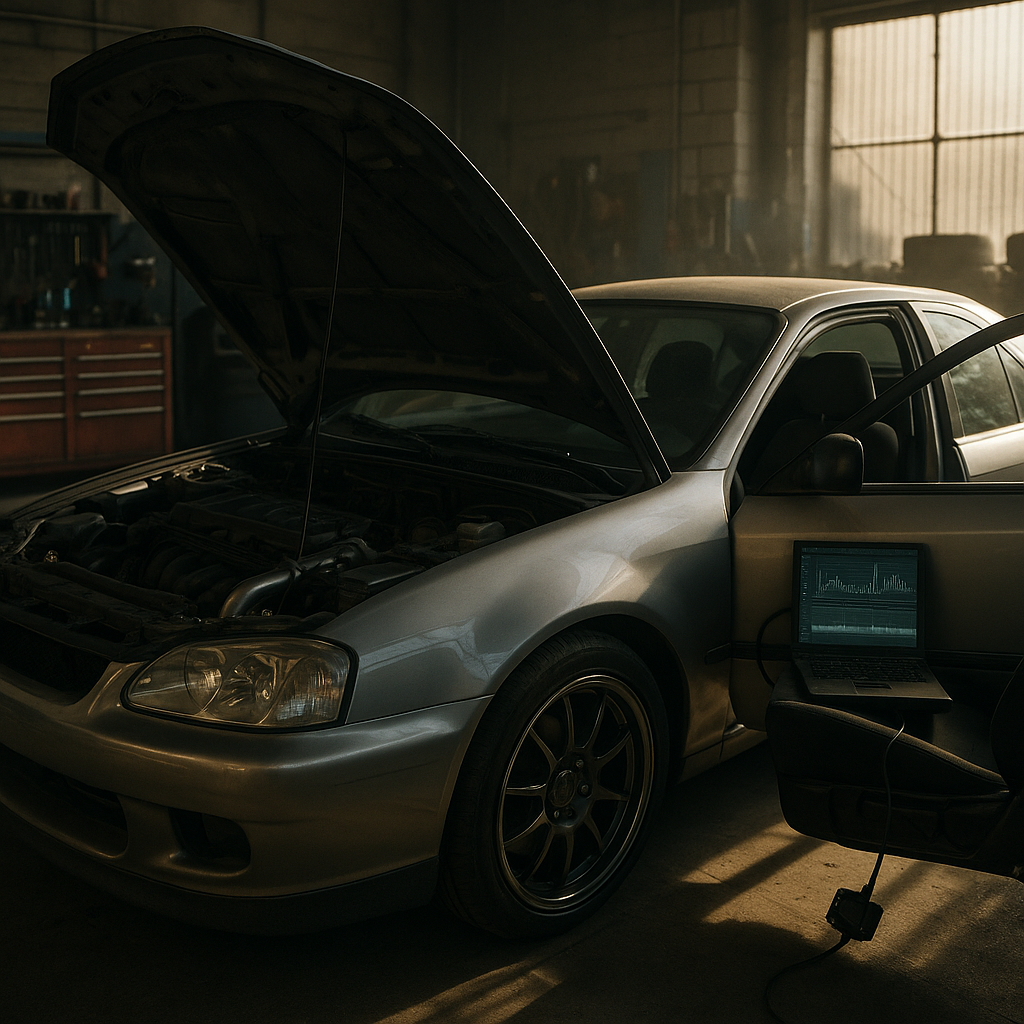
OBD-II (On-Board Diagnostics, second generation) is a standardised protocol fitted to all petrol cars sold in the UK from 1996 and diesels from 2004. It gives external devices access to the ECU’s live data stream via a 16-pin port, usually found under the dashboard on the driver’s side. A data logger plugs into this port and records parameters, known as PIDs (Parameter IDs), in real time. These can include coolant temperature, MAF readings, fuel trims, RPM, and vehicle speed among dozens of others depending on the car.
Budget Bluetooth dongles like the ELM327 clone variants pair with a smartphone app and give you read/clear fault codes plus basic live data. Step up to dedicated hardware like the OBDLink MX+, Veepeak OBDCheck, or Alientech K-TAG interface tools, and you’re into proper multi-channel logging territory with far more reliable polling rates. For serious tuning and data analysis, standalone loggers like the AiM Solo 2 DL or a Haltech logging module bypass OBD-II entirely and tap directly into the ECU, giving you millisecond-level resolution that phone apps simply can’t match.
Choosing the Right Hardware for How to Use an OBD-II Data Logger
The hardware you need depends entirely on what you’re trying to achieve. For fault diagnosis on a daily driver, a reliable Bluetooth or Wi-Fi OBD-II adapter paired with an app like Torque Pro, OBD Fusion, or Car Scanner ELM OBD2 is perfectly adequate. These apps let you customise dashboards, log data to CSV, and read both generic and manufacturer-specific codes on most mainstream platforms.
If you’re running a modified or older Toyota 4×4, a Land Cruiser, Hilux, or Prado for example, the picture gets more interesting. Some older ECUs use slightly non-standard implementations of OBD-II, and a cheap ELM327 clone can give inconsistent reads or miss PIDs entirely. Specialist parts operations like NSUKSpares.com, which supplies Toyota 4×4 spare parts, often highlight this when customers are trying to track down intermittent faults on high-mileage off-roaders: the right scanner makes all the difference.
Setting Up Your First Data Logging Session
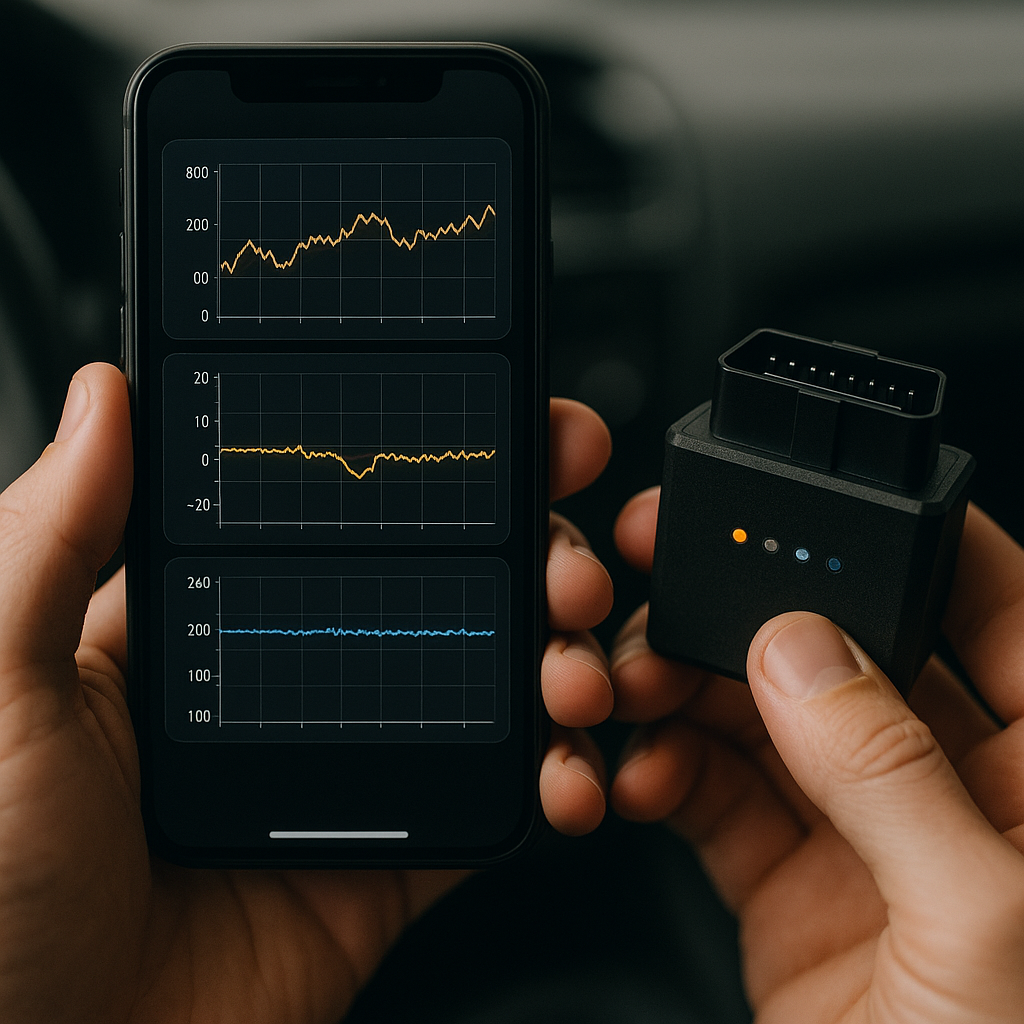
Before you even turn the key, decide what you want to measure. Logging every available PID simultaneously sounds thorough, but it actually degrades the polling rate and makes your data muddy. A focused log of six to eight PIDs is far more useful than a wall of noise. For a general health check, start with: engine RPM, coolant temperature, intake air temperature, throttle position, short-term and long-term fuel trims, and MAF sensor reading.
Connect your adapter with the ignition off, then start the engine and let it reach operating temperature before beginning your log. If you’re testing performance, you want a warm engine making consistent numbers. Drive a repeatable route, including a full-throttle pull in second or third gear if safe and legal to do so, then return to base and pull the log file. Most apps export to CSV which you can then open in Excel or dedicated analysis software like MegaLogViewer HD.
Reading the Data: What to Look For
Raw numbers mean nothing without context, so here’s what actually matters. Fuel trims are your first port of call: short-term fuel trim (STFT) fluctuates constantly as the ECU corrects the mixture in real time. Long-term fuel trim (LTFT) shows learned corrections. If LTFT is sitting above plus ten percent consistently, the engine is running lean and something is wrong, whether that’s a vacuum leak, a weak fuel pump, or a dirty MAF. Below minus ten percent suggests it’s running rich.
Knock retard is another critical channel. Any value above zero means the ECU has detected detonation and pulled timing to protect the engine. On a boosted car, persistent knock retard during full-throttle runs is a serious flag that needs investigating before you push things further. Compare your boost pressure log against your fuelling data and you’ll quickly see where the tune is under stress.
For 4×4 and off-road builds, particularly older Toyota platforms where mechanical wear tends to accumulate in less obvious ways, correlating sensor data with physical inspection is key. NSUKSpares.com, which stocks Toyota 4×4 spare parts, frequently sees customers arrive with logs showing lean fuel trims or erratic coolant readings that trace back to worn injectors or a failing thermostat. The data pointed them toward the right part, not guesswork.
Beyond OBD-II: Advanced Logging Options for Tuned Cars
Once you’ve outgrown the standard OBD-II port, the next level is direct ECU communication via the manufacturer’s own diagnostic protocol. Tools like ECUTEK, COBB Accessport, or Alientech’s KESS3 allow you to not only log but also read and write maps. This is the domain of standalone tuning, where you’re pulling ignition timing tables, fuel maps, and boost control targets directly. The logging resolution here is completely different from what an ELM327 can offer and gives you the granularity needed for serious dyno work.
For track-day focused builds, dedicated GPS-enabled loggers like the AiM Solo 2 DL overlay performance data onto lap telemetry, showing exactly where braking is too late or where a gear change is costing lap time. Combined with OBD-II channels via a Y-cable setup, you get a complete picture of both driver input and mechanical response.
Getting the Most from Your OBD-II Logs
Data logging is only as good as your ability to interpret what you’ve captured. Build a baseline log when the car is running well, and keep it saved. Every subsequent log becomes a comparison against that baseline, which makes spotting developing faults much easier than trying to remember what normal looked like six months ago. Many car nerds maintain a logbook of sessions the same way a track driver reviews lap data, treating each session as a source of genuine mechanical intelligence rather than just a fault-finding exercise.
Understanding how to use an OBD-II data logger properly is one of those skills that pays back every penny it costs in the first session. From daily diagnosis to full race preparation, the data your car is already generating is there for the taking. You just need to know how to read it.
Frequently Asked Questions
What OBD-II scanner app is best for beginners in the UK?
For most beginners, Car Scanner ELM OBD2 or Torque Pro paired with an OBDLink MX+ adapter is the most reliable combination. Both apps are available on Android and iOS, support custom PID dashboards, and allow data logging to CSV for later analysis. Avoid cheap no-name ELM327 clones, as they often have unreliable polling rates and can give inaccurate readings.
Where is the OBD-II port on my car?
On the vast majority of cars, the OBD-II port is a 16-pin trapezoidal connector located under the dashboard on the driver’s side, usually within arm’s reach of the steering column. Some manufacturers tuck it behind a small panel or inside the centre console, but it must be accessible without tools by regulation. Check your owner’s manual if you can’t locate it quickly.
Can OBD-II data logging help with tuning a modified car?
Absolutely. Live data logging is essential for any modified engine build. Monitoring channels like fuel trims, knock retard, boost pressure, and ignition timing advance lets you verify that the tune is running safely under real-world conditions. For serious tuning work, dedicated ECU software tools offer higher resolution logging than standard OBD-II apps and allow direct map editing.
Does using an OBD-II logger drain my car's battery?
A quality OBD-II adapter draws very little current, typically under 50mA, which is negligible during a normal drive. However, leaving a Bluetooth or Wi-Fi adapter plugged in when the car is parked for extended periods can slowly drain the battery, particularly on older vehicles with less efficient sleep modes. It’s good practice to unplug the adapter when the car is off for long periods.
What does a high long-term fuel trim reading mean?
A long-term fuel trim (LTFT) reading consistently above plus ten percent means the ECU is adding fuel to compensate for a lean condition it has detected over time. Common causes include a vacuum leak, a faulty or dirty mass airflow sensor, weak fuel injectors, or a failing fuel pressure regulator. Correlate the LTFT reading with other channels like MAF voltage and injector pulse width to narrow down the source.